






12 Best Trading Simulator Apps To Practice Risk-Free in 2026
Discover the 12 best trading simulator apps to sharpen your skills risk-free in 2026. Try the best trading simulator app today.


Somewhere between reading about a strategy and risking money on it sits an issue lots of people cross far too quickly. Spotting a setup on a historical chart is one thing. Executing it at 3 p.m. during a Nonfarm Payrolls (NFP) release, with spreads widening and a trade moving against you, is something else entirely.
The catch is that not every simulator answers it honestly. Some models fill so generously that you learn habits collapsing the moment actual spreads appear. Others run on end-of-day data, which teaches nothing about execution. Also, a great many are built for US stock traders, leaving anyone working across currencies, metals, or crypto practising on the wrong instrument entirely.
Below, we cover the 12 best trading simulator apps worth your screen time in 2026, what each one actually teaches, which trader profile it fits, and how to carry that practice into a funded account once your results justify it.
Key Takeaways
-
The best trading simulator apps do more than let you place virtual trades. They help you build repeatable habits, improve execution, and identify weaknesses in your strategy before those mistakes cost you real money.
-
When you practice trading risk-free, focus on consistency instead of profits. Traders who follow the same risk rules, position sizing, and trading plan on every trade develop skills that transfer far better to live markets.
-
A paper trading account for forex prepares you for real trading platforms. If your goal is to join a prop firm, practising on platforms like MT5 or cTrader builds familiarity with the tools, order types, and workflows you'll use later.
-
Choose a trading simulator with real-time data whenever possible. Live prices, changing spreads, and fast market conditions create a far more realistic environment than delayed or end-of-day data, giving you a better understanding of how markets actually behave.
-
A multi-market trading simulator helps you become a more adaptable trader. Instead of relying on a single asset class, you can develop strategies across forex, crypto, indices, metals, commodities, and stocks, making it easier to find opportunities in different market conditions.
-
Your goal should be to move from demo to funded account only after proving your edge. Once you can execute your strategy consistently over a large sample of trades, you're in a much stronger position to handle the discipline required in a funded environment.
-
Goat Funded Trader (GFT) gives you a practical next step after simulation. Once your results become consistent, you can apply the skills you've built on a simulator to funded accounts across six markets using familiar platforms like MT5 and cTrader, without risking your personal trading capital.
-
Treat simulation as deliberate practice, not a destination. The best traders use demo accounts to refine execution, test ideas, and build confidence, then transition to environments that reward discipline and consistency rather than staying in simulation indefinitely.
What a Simulator Teaches You, and What It Cannot
Being clear about this upfront saves months. Simulators build mechanical fluency well. Order types, position sizing, platform navigation, chart reading, and pattern recognition all transfer cleanly from demo to live.
Repetition works here. Running fifty trades on one setup teaches your hands the sequence until execution no longer requires conscious thought.
Simulators also expose strategy flaws safely. A system that looks elegant on paper reveals its drawdown profile quickly once you run it across a hundred trades. Discovering that on virtual capital costs you nothing beyond time.
What no simulator replicates is the weight of real money. Watching $2,000 evaporate on a demo account produces mild irritation. If the same figure disappears, it would likely represent your rent or other bill.
This is why practice trading risk-free works best as a phase rather than a destination. You use it to make the mechanics automatic, then move to an environment that applies consequences to your decisions, ideally without putting personal savings at risk.
Which raises the question of what you should be practising on.
The Six Markets Worth Practising Across
Currency traders lose weeks each year to conditions where the majors refuse to move. Practising across several markets prepares you to rotate when that happens, and the table below shows where each one earns its place.
| Market | What It Teaches | When It Matters |
|---|---|---|
| Forex | Session timing, pip economics, correlation between pairs | Central bank divergence, high-liquidity overlaps |
| Crypto | Volatility management, weekend positioning | Continuous trading when other markets close |
| Indices | Holding through sessions, gap management | Earnings cycles and risk sentiment shifts |
| Metals | Multi-day position holding, safe-haven behaviour | Risk-off flows and inflation prints |
| Commodities | Seasonal patterns, supply-shock reaction | Energy and agricultural disruptions |
| Stocks | Single-name risk, sector rotation | Earnings season and company-specific catalysts |
So, in essence:
-
A multi-market trading simulator lets you build competence across all six before capital is involved.
-
A stocks-only simulator teaches one column of that table, which becomes a real constraint later.
12 Best Trading Simulator Apps To Practice With Today
Ready to practice your skills on simulators that create access to multiple markets? Here are 12 options to choose from:
1. MetaTrader 5 Demo
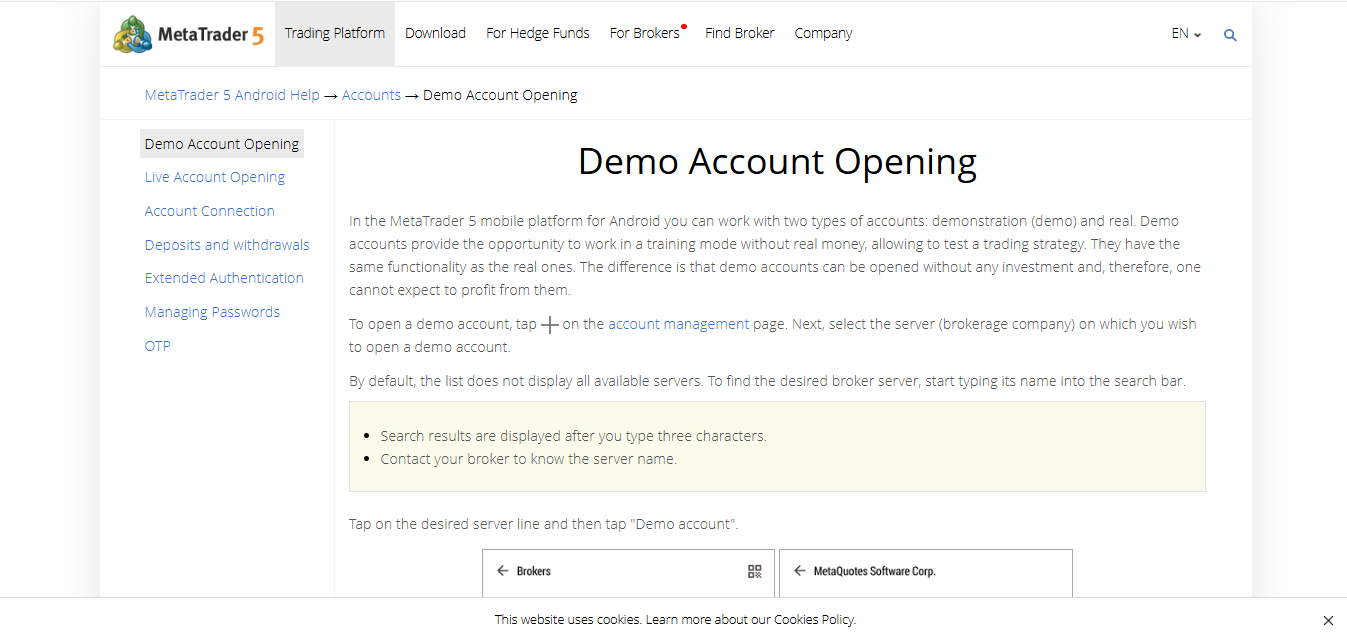
Any serious conversation about a paper trading account for forex starts here. MT5 remains the default execution environment across the prop firm industry, GFT included, so practising on it means the platform you learn is the platform you keep. Demo accounts open free through any MT5-supporting broker, typically with adjustable virtual balances from $1,000 upward. They also carry live streaming prices on forex pairs, metals, indices, energies, and CFDs.
What separates MT5 from equity-focused simulators is depth of order handling. Pending orders, trailing stops, partial closes, and hedging all behave exactly as they will on a funded account. The Strategy Tester runs expert advisors against historical tick data, which lets algorithmic traders validate a system across years of price action inside an afternoon.
Charting covers 21 timeframes and 38 built-in indicators, with the MQL5 language available for anyone wanting custom tools. Mobile applications on Android and iOS mirror the desktop terminal closely.
Why Choose It
Practising anywhere else and then trading MT5 on a funded account wastes the muscle memory you spent months building. Start here if a prop account is your destination. The learning curve runs steeper than mobile-first apps, though the payoff is direct transferability.
2. cTrader Demo
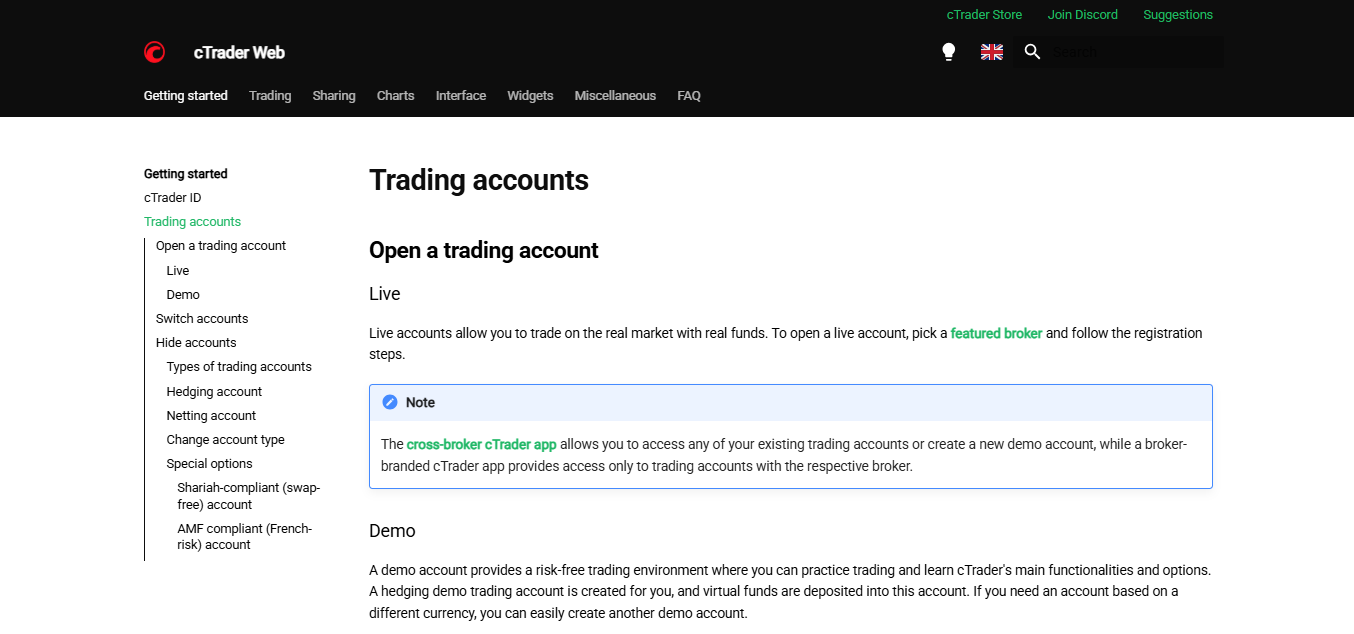
Built specifically for traders who care about execution quality, cTrader offers a free demo that carries full Level II depth-of-market data, something rare outside professional terminals. Virtual balances are configurable, and the demo carries no expiry, so your practice environment stays available indefinitely.
Order handling is where cTrader distinguishes itself. Advanced types including stop-limit, market range, and OCO orders all function in the demo exactly as live. The DOM ladder shows resting liquidity at each price level, teaching order-flow reading in a way candlestick charts alone cannot. Traders learning to scalp find this considerably more instructive over a standard chart-only interface.
cAlgo handles automated strategy development in C#, and the platform's backtesting engine runs against tick data with configurable spread and commission modelling. Copy trading functionality is built in natively. Coverage spans forex, metals, indices, energies, and crypto CFDs depending on your broker.
Why Choose It
Scalpers and high-frequency manual traders get the most from cTrader, particularly anyone learning to read the order book. GFT supports cTrader on funded accounts, making this another direct-transfer option. Newer traders may find the DOM overwhelming initially.
3. TradingView Paper Trading
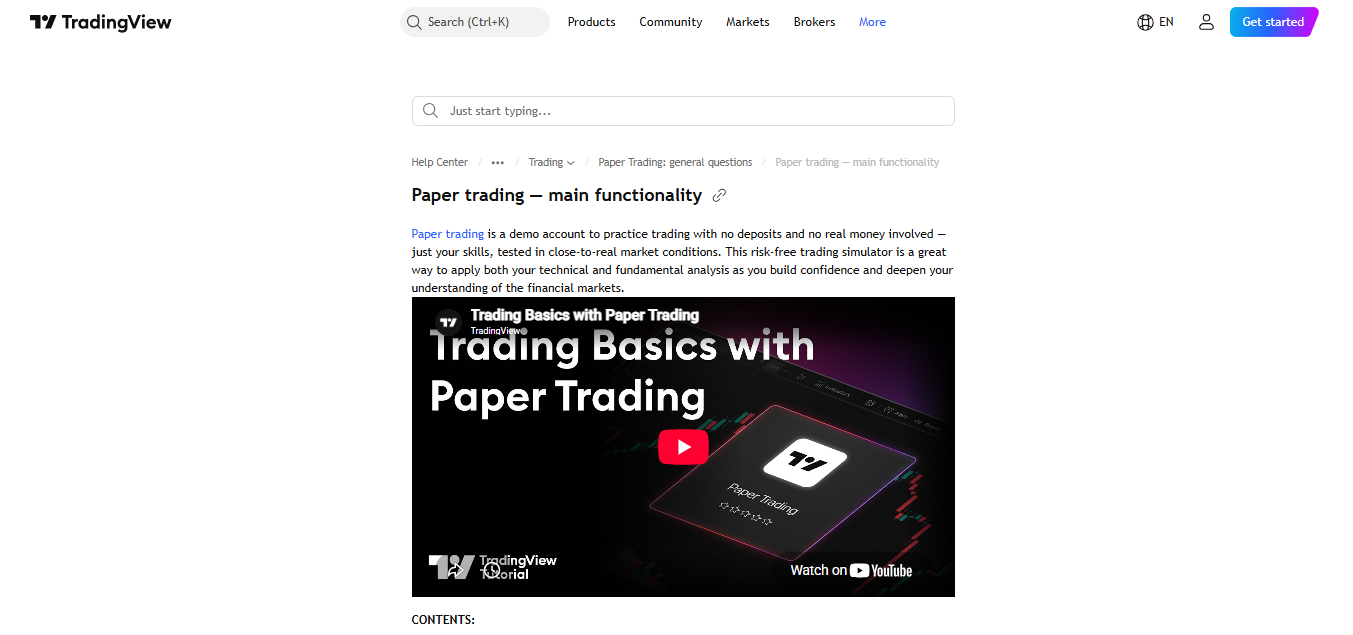
Charting is what draws most people to TradingView, and the built-in paper trading feature turns that charting into a practice environment without leaving the platform. The free tier includes paper trading with a configurable virtual balance, live data on many exchanges, and access to the platform's enormous indicator library.
Bar Replay is the standout feature for skill building. You can rewind any chart to a historical date and step forward bar by bar, making decisions without knowing what comes next. Practising this way compresses months of screen time into hours, and it removes the hindsight bias ruining most chart study.
Pine Script lets you build custom indicators and strategies, with a backtesting engine reporting win rate, profit factor, and maximum drawdown across your chosen period. Community scripts number in the hundreds of thousands, and its broker integration means the same interface later connects to live execution.
Why Choose It
Traders who think in charts get the strongest fit here, and the Bar Replay function alone justifies the platform for pattern work. Live data on some exchanges sits behind paid tiers, which is worth checking against your markets before committing.
4. thinkorswim paperMoney
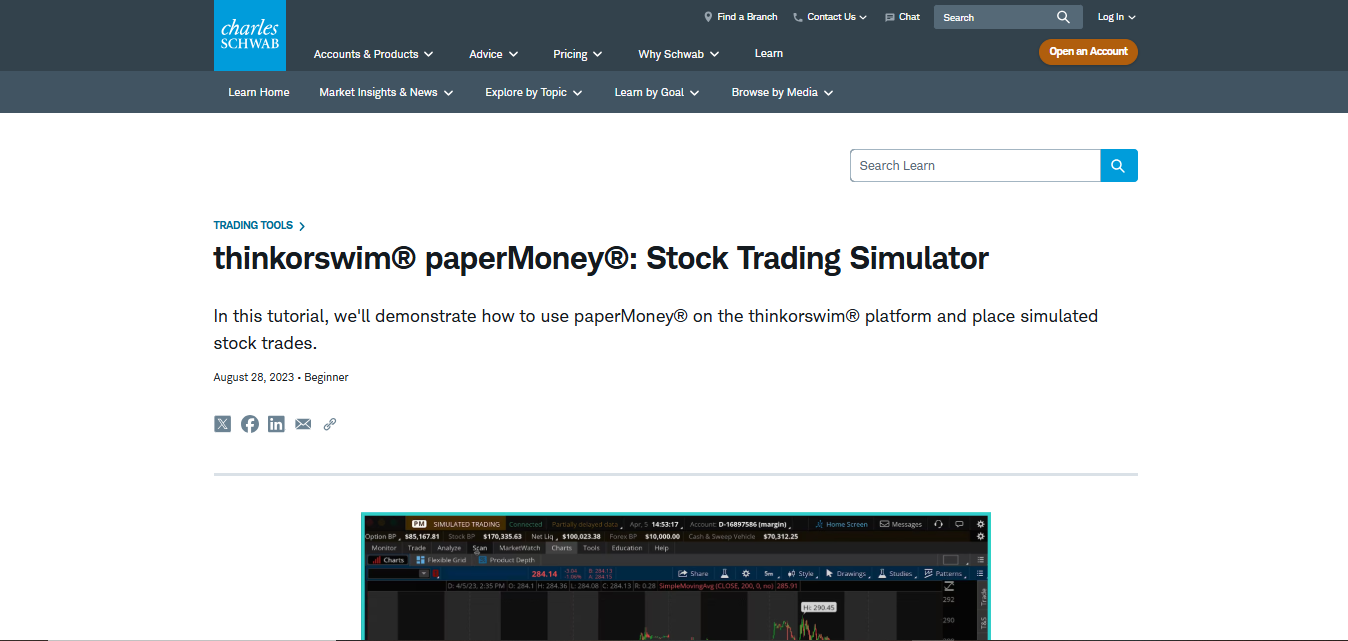
Widely regarded as the most realistic simulation environment available, paperMoney loads $100,000 in virtual capital into an interface identical to the live thinkorswim platform. Charles Schwab operates it, and the layout you learn in the demo is precisely the layout you keep afterward.
Realism is the selling point. Variable spreads, execution delays, and complex multi-leg options behave as they would with capital at stake. The charting suite runs among the most powerful anywhere, with hundreds of customisable indicators and a Chart Describer tool explaining technical events as they form.
Options traders find the deepest value here. Full Greeks, profit-and-loss visualisation, and support for spreads, straddles, and condors let you rehearse structures difficult to practise elsewhere. However, one condition deserves flagging is that the data inside paperMoney requires a funded Schwab account. Without one, you work on delayed feeds.
Why Choose It
US equity and options traders get an environment closer to professional standards over anything else free. Forex and CFD traders heading toward a prop account will find the instrument coverage limiting, and the Schwab account requirement adds friction for traders outside the US.
5. Webull Paper Trading

Mobile-first design defines Webull, and its paper trading mode delivers the strongest fully free option for traders keen on a trading simulator with real-time data access without a deposit. Virtual balances start at $1,000,000, resettable at will.
The interface mirrors live trading exactly, covering stocks, ETFs, and options across full order type support. Real-time Level II quotes come included, uncommon at zero cost. Extended-hours simulation lets you practise pre-market and after-hours conditions, where liquidity thins and spreads widen considerably.
Charting carries a respectable indicator set, though depth falls short of thinkorswim or TradingView for detailed technical work. For traders still building basic competence, this rarely becomes the constraint. Switching between paper and live modes takes a single toggle, removing friction when you decide to go live.
Why Choose It
Beginners wanting a clean mobile environment with free real-time data will struggle to beat this. The million-dollar starting balance is worth adjusting downward, as position sizing habits built on $1M transfer poorly to a $25,000 funded account.
6. Interactive Brokers Paper Trading
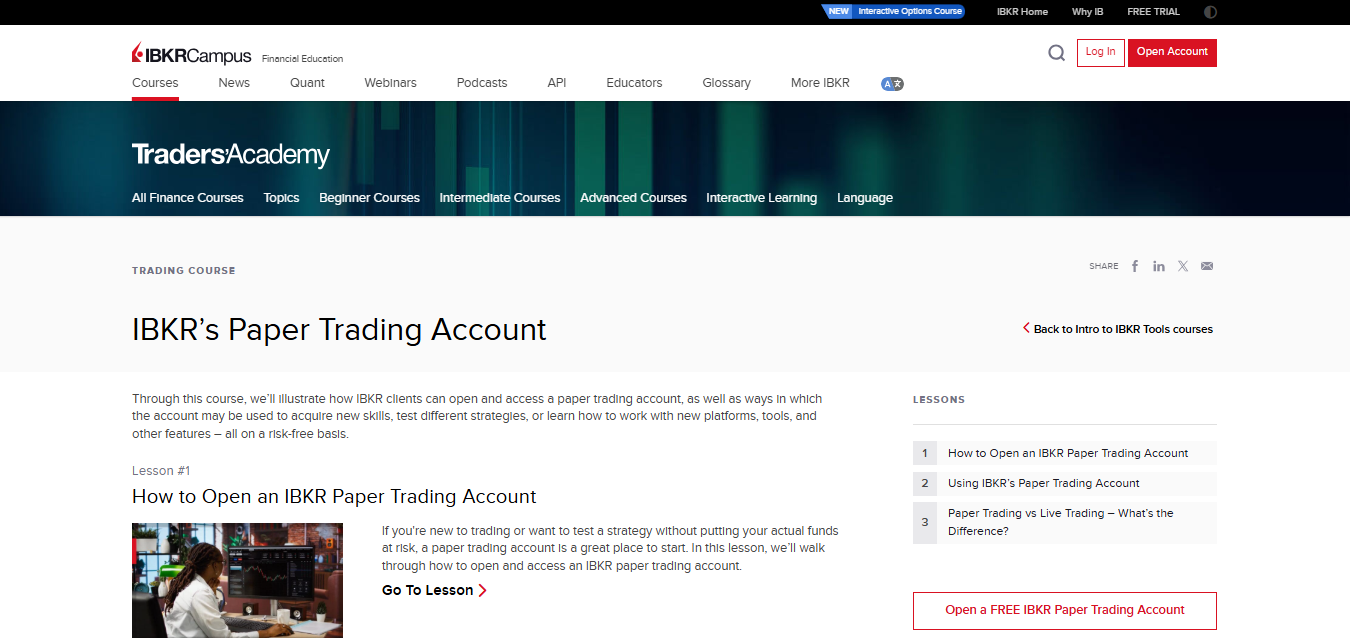
Breadth is what IBKR brings. Paper accounts load with $1,000,000 in virtual capital and open access to global markets spanning equities, options, futures, forex, bonds, and funds across dozens of exchanges worldwide.
Trader Workstation supports over 100 order types, including algorithmic orders, conditional orders, and complex bracket structures. Risk Navigator models portfolio exposure across scenarios, showing how positions behave under specified market moves. Full API access lets algorithmic traders test automated systems against simulated fills.
International coverage matters here. Practising cross-border trades, currency conversion, and instruments listed outside the US prepares you for markets narrower simulators never touch. The interface is dense and takes time to learn, which is the standard criticism levelled at TWS.
Why Choose It
Algorithmic traders and anyone building a global strategy get more here than almost anywhere else. Paper accounts require an IBKR account setup first. Traders wanting simplicity should look elsewhere, though those willing to climb the learning curve gain professional-grade tooling at zero cost.
7. NinjaTrader Simulator
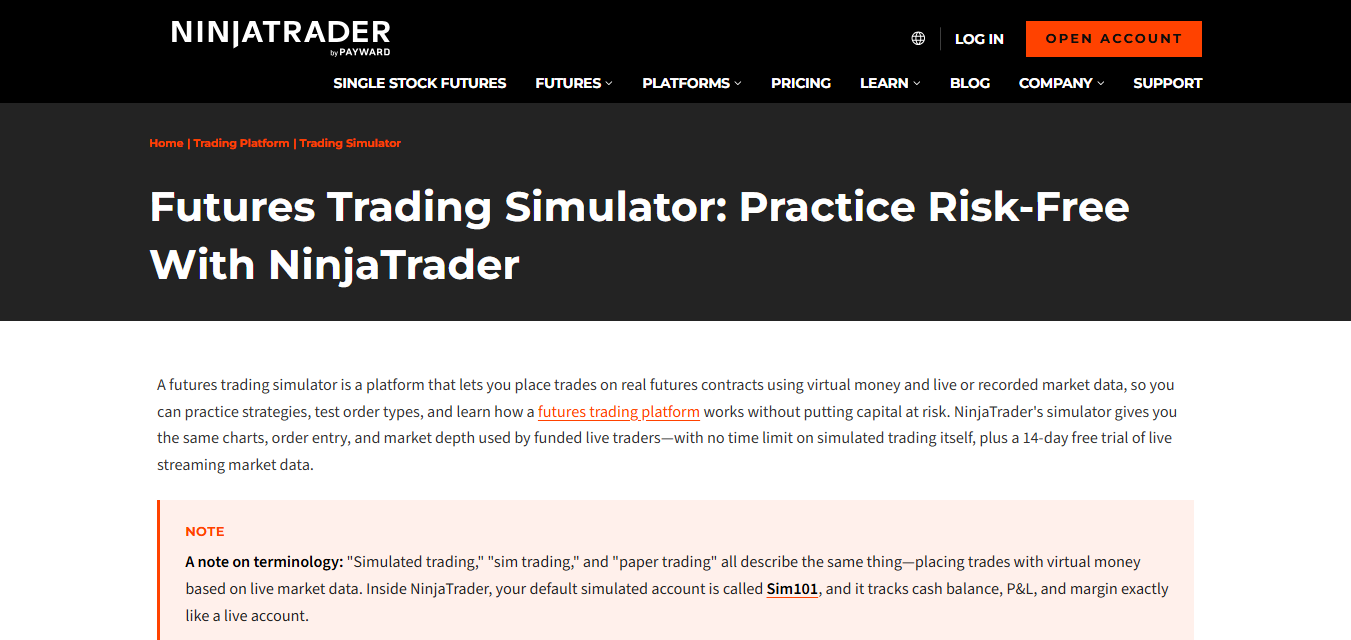
Futures and forex sit at the centre of NinjaTrader's offering, and its simulation environment carries a market replay function running tick by tick through historical sessions. You can replay any past trading day at adjustable speed, pausing to analyse decisions as they unfold.
Order flow tools include volume profile, footprint charts, and DOM ladders, giving traders learning to read auction dynamics a training ground. The free version covers charting, simulation, and backtesting without cost.
NinjaScript handles automated strategy development, and the strategy analyser backtests systems against historical data with configurable slippage and commission assumptions. Results report across a full metric suite including Sharpe ratio and maximum adverse excursion. Broker partnerships allow a direct transition to live execution once ready.
Why Choose It
Futures traders and anyone learning order flow find the deepest fit. The tick replay function builds screen time faster than waiting for live sessions. It is particularly useful if your schedule limits when you can trade. Forex traders get solid coverage, though the platform's centre of gravity sits with futures.
8. Moomoo Paper Trading
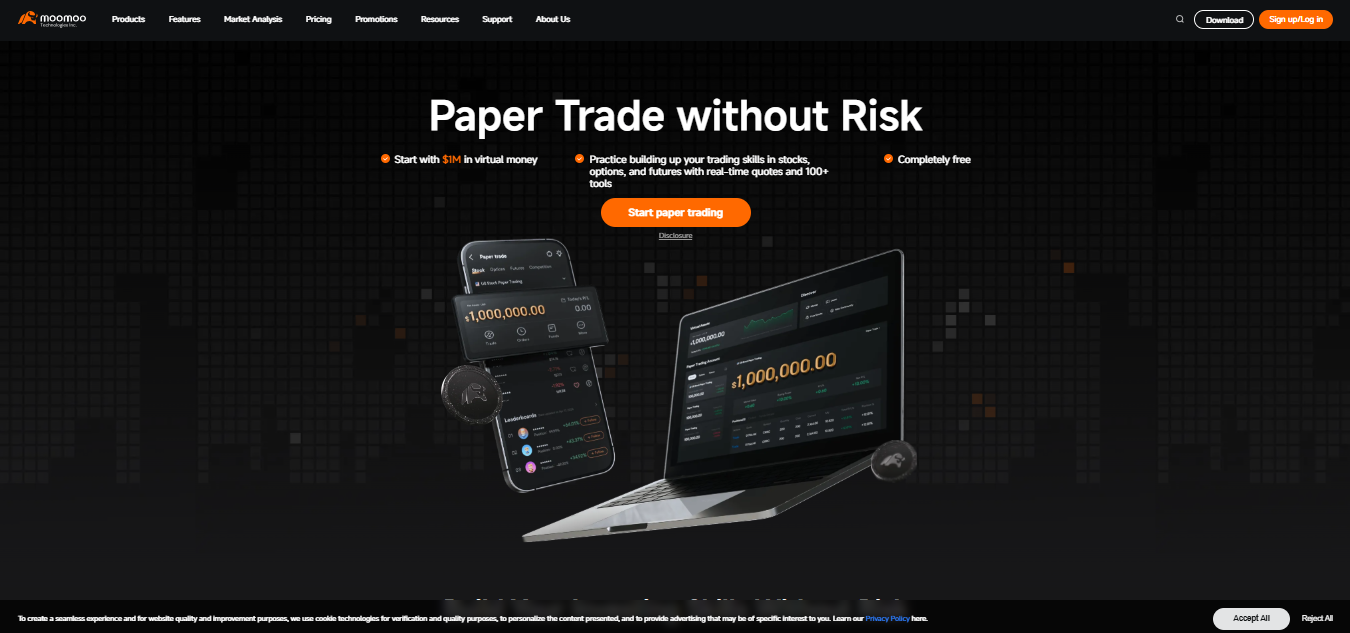
Level II data inside a free paper trading environment is unusual, and Moomoo provides it alongside $1,000,000 in virtual capital. Coverage spans stocks, options, and futures with 63 technical indicators available. Bid and ask depth teaches order flow reading in a way most free simulators skip entirely. Options paper trading is supported fully, letting you rehearse multi-leg structures before capital is involved.
Beyond the mechanics, Moomoo layers in community features and paper trading competitions, adding accountability that solitary practice lacks. Educational courses run inside the platform, tied to the instruments you are trading. Charting is solid without matching thinkorswim's depth for detailed technical work.
Why Choose It
Traders ready to move past basic order types and start reading order flow get value here, and the competition format keeps practice consistent when motivation dips. Newer traders should build fundamentals on a simpler interface first, then return once the mechanics feel automatic.
9. TradeStation Simulator
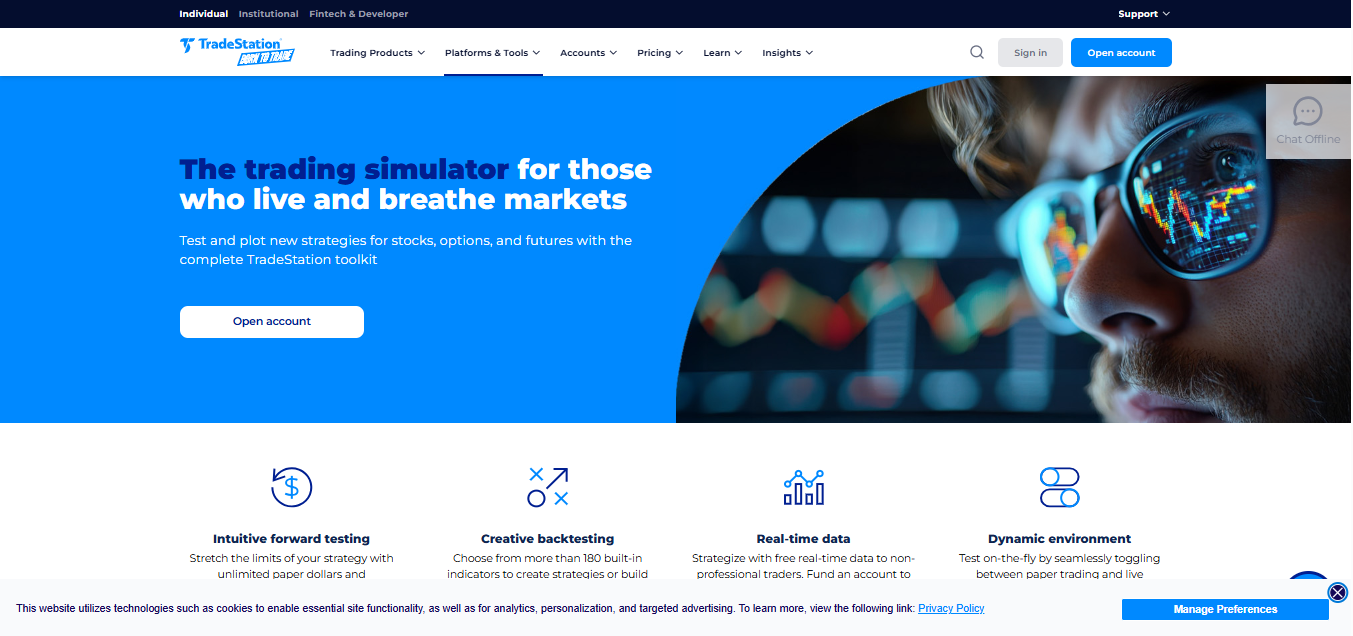
Interface parity is TradeStation's advantage. The simulated environment runs identically to the live platform, so every workflow you learn transfers without adjustment. Virtual funds are unlimited and configurable. EasyLanguage powers strategy development, and the backtesting engine runs against decades of historical data with realistic assumptions for slippage and commission. Portfolio Maestro tests multiple strategies across a combined portfolio, showing how systems interact rather than only how each performs alone.
Coverage includes stocks, options, futures, and crypto, with direct market access and detailed execution analytics. RadarScreen monitors hundreds of symbols simultaneously against your criteria. Order execution modelling accounts for market depth, producing fills closer to reality over simulators assuming perfect execution.
Why Choose It
Systematic and high-volume traders refining automated approaches find the strongest fit. It aligns for anyone searching for extensive historical data for backtesting alongside forward simulation. The platform assumes a degree of technical comfort, making it a poor first stop for someone still learning what a limit order does.
10. tastytrade Paper Trading
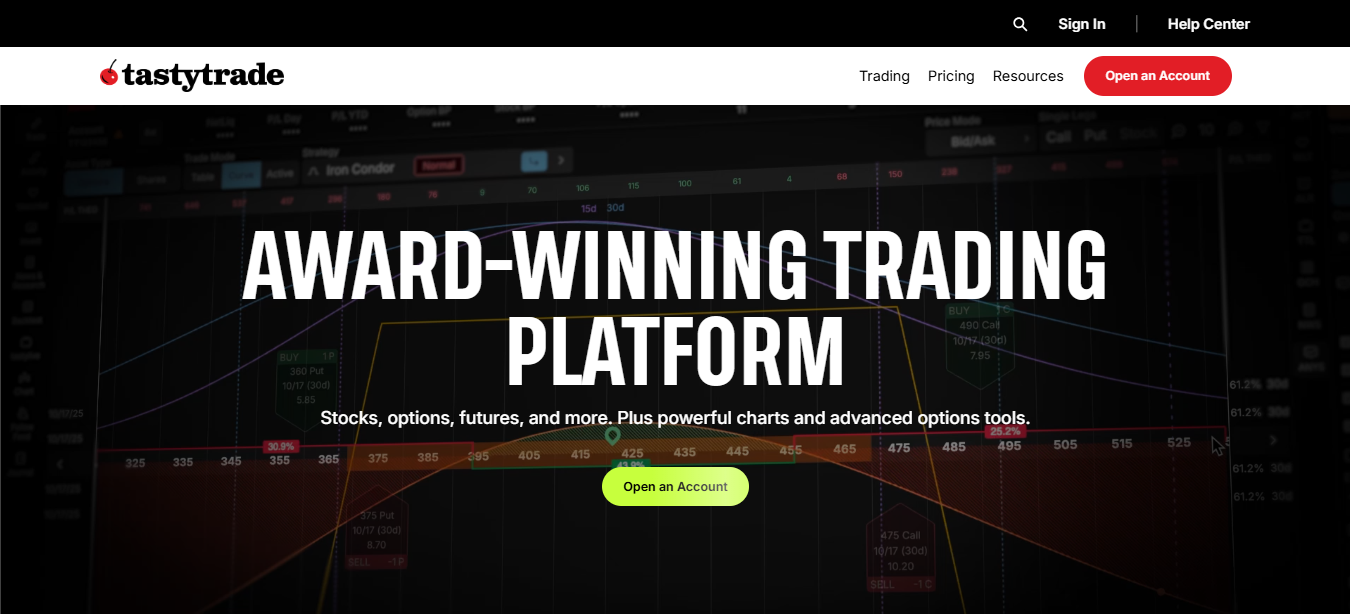
Options education is where tastytrade concentrates, and its paper trading environment reflects that focus. Full Greeks display alongside profit-and-loss curves for every position, and all multi-leg structures are supported, from simple verticals through to iron condors and calendars.
The interface is built around probability. Rather than starting from a directional view, tastytrade presents probability of profit, expected move, and implied volatility rank on every underlying. This trains you to think in distributions instead of predictions.
Paper accounts carry configurable virtual balances with live data included. Educational programming runs daily through the platform, tying live market conditions to the concepts being taught. Futures and futures options are covered alongside equities.
Why Choose It
Options traders wanting to internalise probability-based decisions get an environment built for it. The Greeks display teaches position management in ways directional platforms never address. Forex and CFD traders will find little relevance here, so treat it as a specialist tool rather than a general simulator.
11. Investopedia Stock Simulator
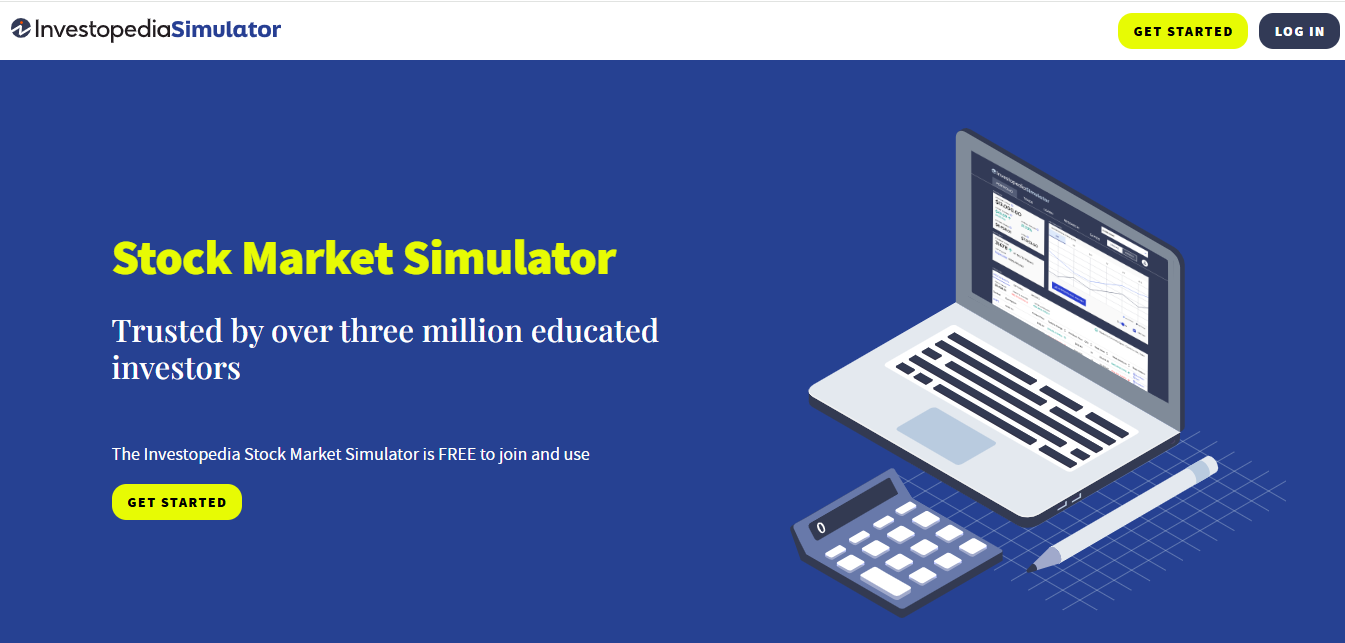
Accessibility defines this option. Browser-based, free, and requiring no brokerage account whatsoever, the simulator hands you $100,000 in virtual capital to trade stocks, ETFs, options, and select cryptocurrencies on major US exchanges. Educational integration is the differentiator. Every concept links directly to Investopedia's article library, so encountering an unfamiliar term during a trade takes one click to resolve.
For someone starting from zero, this removes the friction of learning terminology and mechanics separately. Competition features let you join public contests or create private ones. It adds a social dimension that is useful for maintaining routine. Portfolio tracking and performance ranking show where you sit against other participants.
Order execution runs on delayed fulfilment with basic order types, teaching core mechanics without the complexity of professional platforms.
Why Choose It
Absolute beginners get the gentlest possible introduction, with no account setup and learning curve worth mentioning. The trade-off is realism. Delayed fills and simplified order handling mean habits built here need refinement on a serious platform before funded trading becomes viable.
12. TradingSim
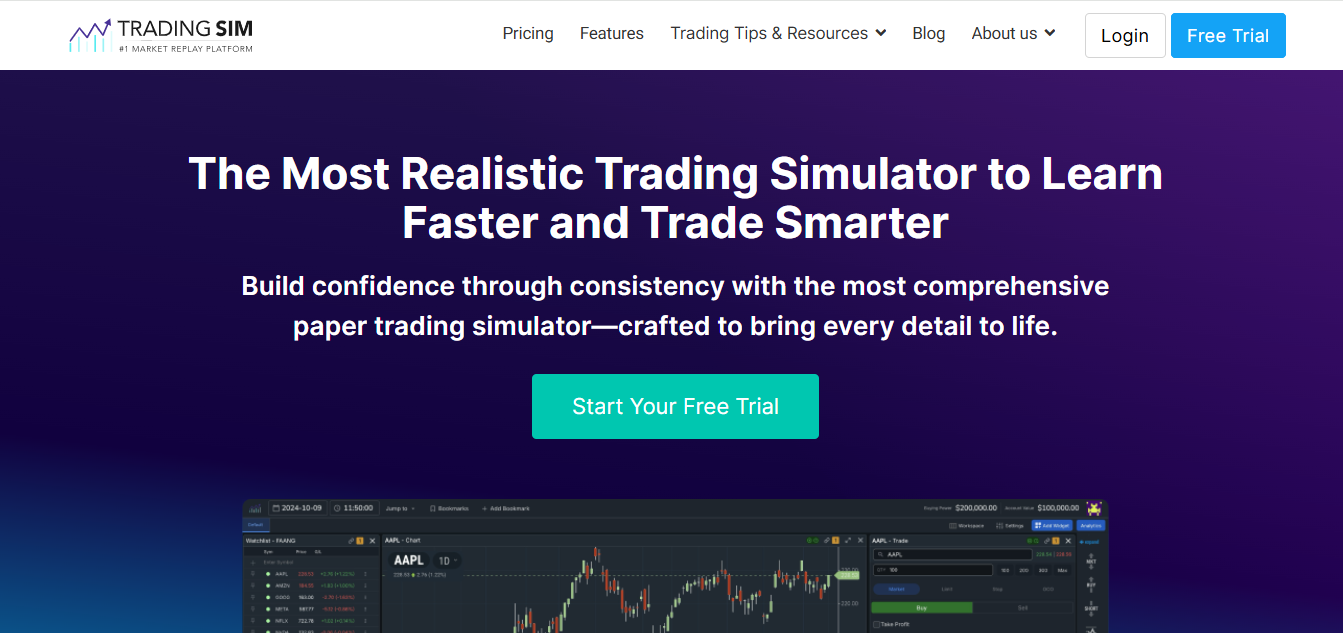
Market replay is the entire proposition. TradingSim runs historical tick data with pause, play, and fast-forward controls, so you can relive past sessions as though they were unfolding live. Level II data and time and sales come included. The value sits in repetition. Waiting for live market hours limits how much screen time you accumulate, particularly around a job. Replay removes that ceiling, which lets you drill entries and exits across dozens of sessions in an evening.
Customisable charts and configurable starting capital let you match the environment to your intended live setup. Unlimited resets mean you can run the same session repeatedly, testing different decisions against identical conditions. Coverage centres on US stocks and futures.
Why Choose It
Day traders building pattern recognition benefit most, and the ability to practise outside market hours makes it uniquely useful for anyone trading around other commitments. Subscription pricing applies, unlike the free options above, and forex traders will find the instrument coverage restrictive.
The Gap Nobody Warns You About
Consistency on both a simulator and funded account is a different achievement. Three things change the moment consequences appear.
-
Position sizing creeps upward, as the discipline holding at 1% risk on virtual capital loosens when payouts feel within reach.
-
Exit timing degrades, with winners closed early and losers held in hope.
-
Rule adherence weakens precisely when it matters, usually after a losing session.
Structure is what closes the gap. Practising under rules you cannot override teaches something free demos never can, since a demo account carries no penalty for breaking your own limits.
- A funded account applies daily loss limits and drawdown ceilings enforced by someone other than you, which is uncomfortable and exactly the point.
This is why traders wanting to move from demo to funded account territory benefit from doing it before they feel entirely ready. The environment does disciplinary work that your own willpower has been failing at.
Goat Funded Trader (GFT) Is Where Your Simulator Practice Pays
Skill built across the best trading simulator apps has to be used somewhere, and Goat Funded Trader (GFT) is built for exactly that landing.
Start with instant funding if your simulator results already hold up. Evaluation gets removed completely, placing you on live capital from the first order. Nothing sits between the practice you have done and the account applying real consequences to it. Starting allocation reaches $400,000, with sustained profitability that leads you toward $2,000,000 through the scaling programme.
Prefer proving it in stages? Two challenge formats set different paces. The 1-Step asks for a single hurdle. The 2-Step spreads the requirement across two phases with softer individual targets.
All six markets you practised across sit inside one account: forex, crypto, indices, metals, commodities, and stocks. Five platforms carry them, including MT5 and cTrader, so the environment you trained on is the environment you trade. Volumetrica FX alone carries over 500 crypto pairs.
Terms behind every route reward discipline over gimmicks. Splits open at 80% and climb toward 100%. Consistency rules apply on none of the evaluation models. News trading, weekend positions, and overnight holds all stay permitted, so a strategy built around volatility survives intact.
Payouts run bi-weekly on a schedule you can plan around, with on-demand withdrawal available, backed by a 2 business day guarantee which carries $1,000 compensation on a miss. Account reset is available to cover a breach and prevents one when equity drifts toward a limit.
One last thing worth knowing for beginners. The Goat Stride promotion opens a 2-Step Account that holds $2,500 in simulated capital for $10. It stands as a limited-time low entry point available anywhere.
Ready to get started? Click here to access our models, choose the best that suits your trading goals, get funded immediately, and access six trading markets.
Frequently Asked Questions (FAQs)
How long should I practice on a simulator before going live?
Duration matters less than sample size. Aim for at least 100 trades on a single setup with consistent rules, then review your metrics. A trader completing that in six weeks is readier compared to another that drifts through six months without structure or record-keeping.
Do simulator results predict live trading performance?
Poorly, and honest platforms say so. Mechanical skills transfer reliably; emotional discipline does not. Expect your live win rate to sit below your demo figures initially, and treat the difference as information about your psychology and not as evidence your strategy failed.
Can I use expert advisors or bots on demo accounts?
Yes, on MT5, cTrader, NinjaTrader, TradeStation, and Interactive Brokers. Demo environments are the correct place to debug automated systems, as coding errors surface expensively on live capital. It is important to confirm automation permissions separately before deploying the same system on a funded account.
Does paper trading affect my credit or require identity verification?
Browser-based simulators like Investopedia need nothing beyond an email. Broker-linked demos usually require identity documents for regulatory compliance, though this involves no credit check and creates no financial obligation whatsoever.
Be Great and get the App